Create a Media Mention
How to create a new media mention in the Hygraph CMS
- Log into Hygraph.
- Select "Content" from the left sidebar.
- Click the "Create Media Mention" button.
- Click "News Post" from the content dropdown.
- Click + Add entry button in upper right corner.
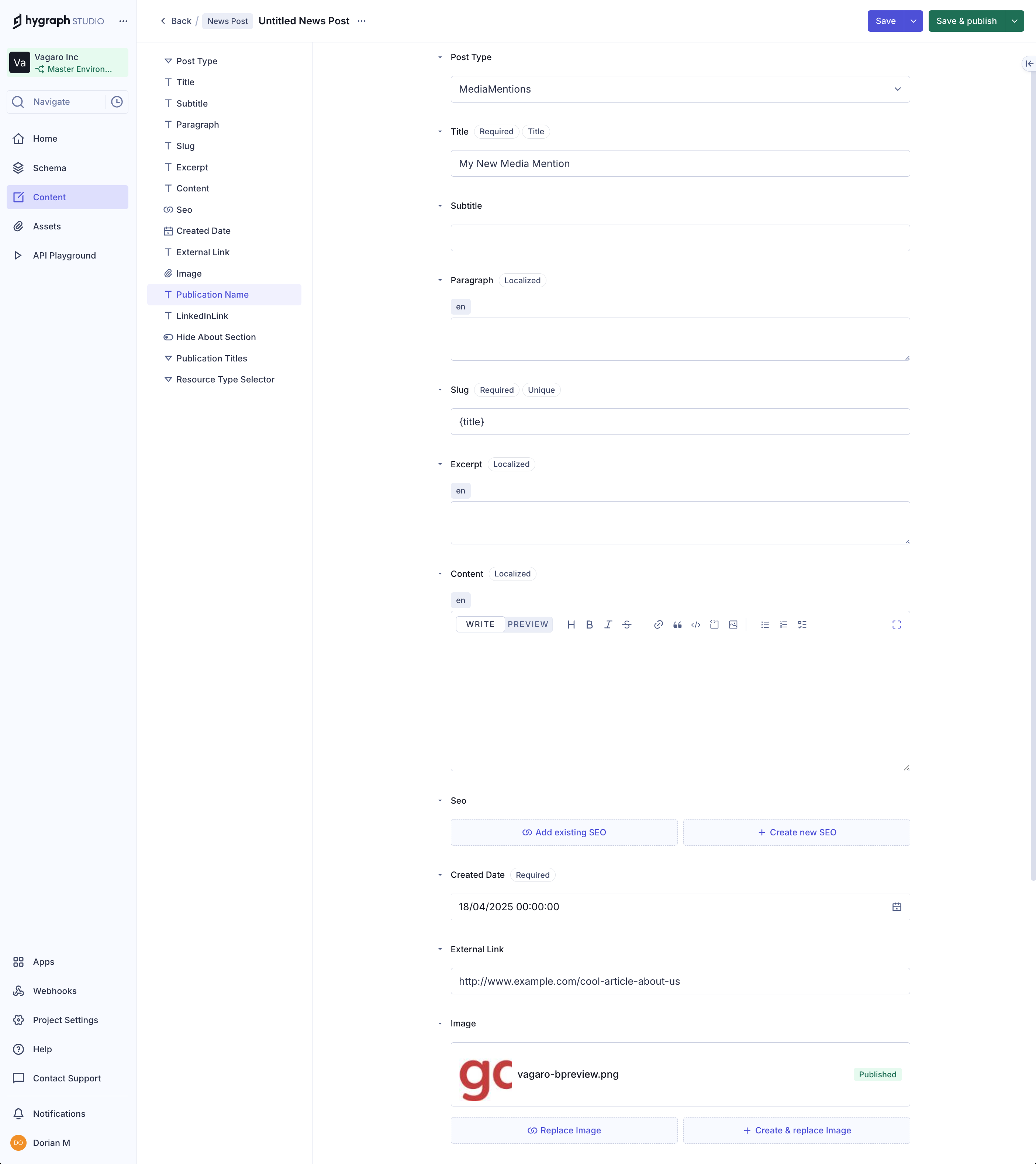
- Set Post Type to "MediaMentions".
- Add title, created date, and image.
- Add the URL to the External Link field.
- Add the publication name to the Publication Name field.
- Add the source URL.
- Click "Save & Publish" button.
Important tip
New media mentions will require a site build so they will not be published immedialely, but typically within a few hours.
Congratulations, you have published a new media mention!
Content can be viewed at https://www.vagaro.com/news/media-mentions