Key Features
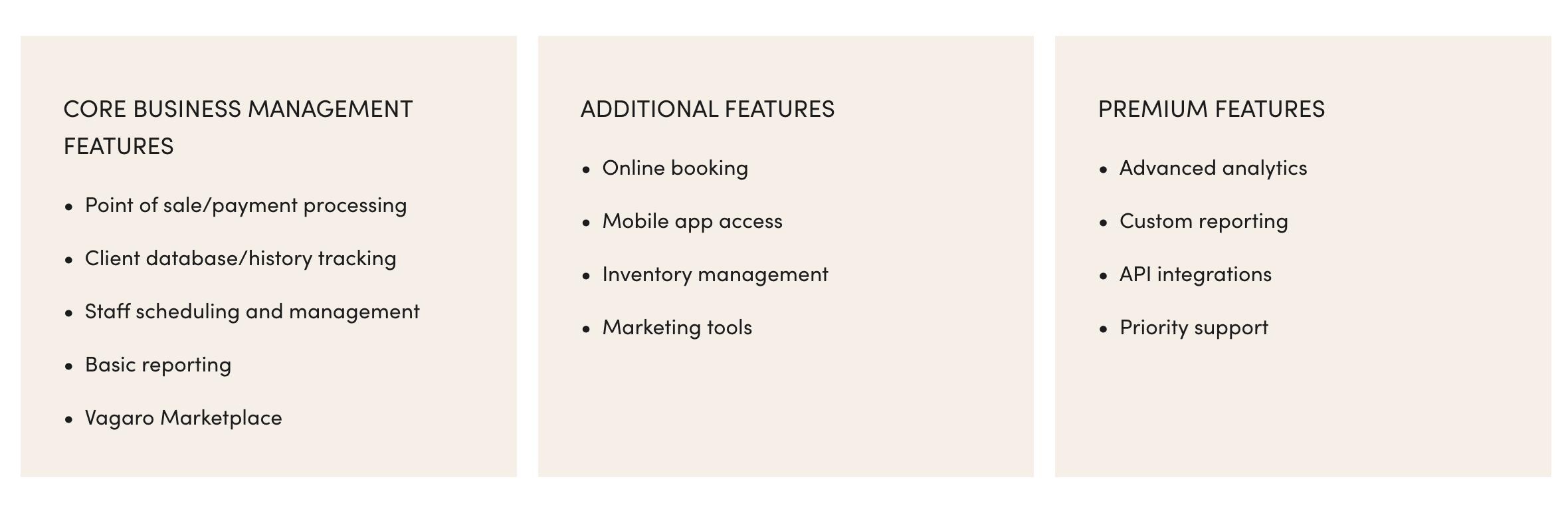
The Key Features component displays blocks of text consisting of a list of features (See Example below).
Directions
- Copy the component below and paste it into content section of your BP Post in Hygraph.
- Update the
cardsarray with the features you want to display. - Each card object has the following properties:
title: The title of the card.items: The list of features.
 <KeyFeatures
    cards={[
      {
        title: "CORE BUSINESS MANAGEMENT FEATURES",
        items: [
          "Point of sale/payment processing",
          "Client database/history tracking",
          "Staff scheduling and management",
          "Basic reporting",
          "Vagaro Marketplace"
        ]
      },
      {
        title: "ADDITIONAL FEATURES",
        items: [
          "Online booking",
          "Mobile app access",
          "Inventory management",
          "Marketing tools"
        ]
      },
      {
        title: "PREMIUM FEATURES",
        items: [
          "Advanced analytics",
          "Custom reporting",
          "API integrations",
          "Priority support"
        ]
      }
    ]}
  />